
Crystallising...
Writing with AI
8 Rules for using AI on your annual report
Oct 5, 2026
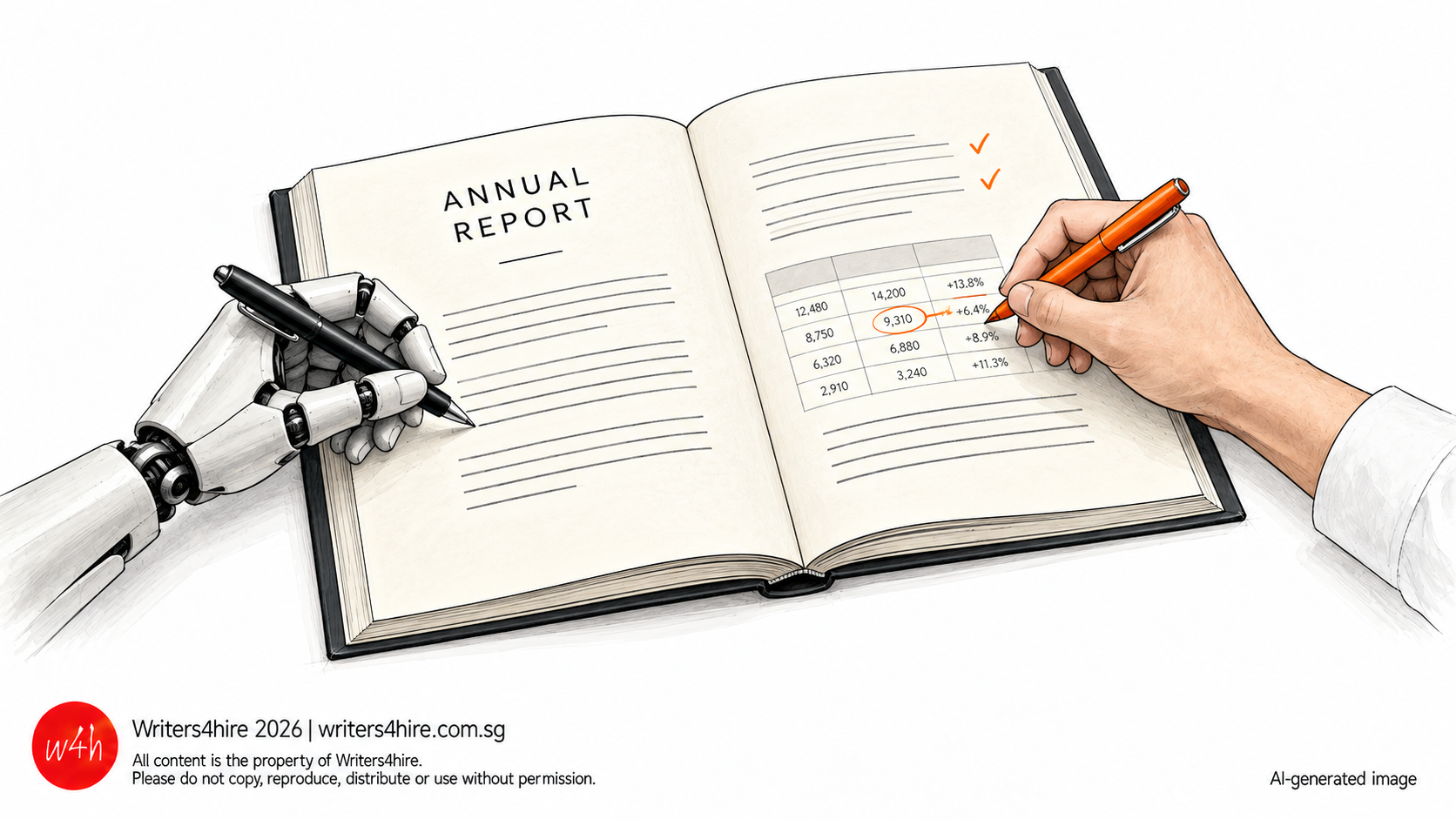
A lot of the copy that comes to us for editing these days has been through an AI tool. Some of the issues are the usual ones in a report written by many hands. Figures don’t match from one section to the next, the same event goes by different names, British and American spelling appear in the same report and the voice feels inconsistent.
AI adds its own habits with padding, generic phrasing, not x but y structure and overzealous use of em-dashes.
Each person on the team uses AI in their own way. One pastes a section into a free tool to tidy it up. Another asks an LLM to fill in a paragraph while waiting for figures from finance. Most people don’t contribute material that is incorrect on purpose. But without agreed rules, sensitive information can end up in AI tool the company doesn’t control, facts appear from unverified sources and approved wordings can be inconsistently applied.
Most of this is caught in the final round of approvals. By then, the pages are laid out, and everyone is checking under pressure, which is when errors can slip through.
On 2 October 2026, ACRA issued guidance on using AI responsibly in audits1. It’s written for auditors but much of it applies to the people preparing the reports too. It covers integrity, professional judgment, accountability, being open about AI use, protecting confidential information and human oversight.
It’s much easier to settle a few rules at the kick-off meeting. Here are ours:
1. Use company-approved AI accounts only.
Use the business version of a tool, paid for by the company. Free accounts can store what you type and use it to train the system. Decide at the start which tools may be used for report work and keep everyone informed.
2. Keep confidential information out of AI tools.
Results that have not been announced, deals still being negotiated, any figure that could move the share price. This includes personal details of employees and customers.Personal data comes with its own obligations under the PDPA.
3. Only give AI material the company has approved.
Last year’s report, board papers, the approved company profile. Do not let the tool search the internet for facts that will appear in the report, as you will not be able to trace them to a company document.
4. Do not let AI fill in missing information.
If the fact isn’t in the source material, it does not go in the draft. Check with the department instead. AI is very good at writing sentences that sound right with an invented fact.
5. Keep quotes away from an AI tool.
Use the wording the speaker approved. If a section has been edited by AI, compare every quote in it against the approved version.
6. Note the source next to every fact.
A comment, a footnote or a column in a tracking sheet. Do it while you draft. Finding the sources again later takes much longer.
7. Check each section as it is finished.
Don’t wait for the full draft. Check each section once its owner has approved it, read the whole document once at first proof, then check what changed before sign-off. Put those dates in the schedule at the start.
8. The person who checks must not be the person who wrote it.
A writer reads their own draft and sees what they meant to write. Ask a colleague from another department or an outside editor.
On disclosing AI use
At the time of writing, Singapore has not rules requiring companies to say whether AI was used in their annual report. The guidance is moving towards transparency, though. IMDA’s framework for generative AI treats transparency as a core principle and ACRA’s new audit guidance includes it too.
Readers seem to feel the same way with 71% of Singaporean online adults saying that they expect companies to tell them when they are dealing with content made with generative AI2. For now, it’s each company’s call.
Read our article: Before you sign off your annual report, run an AI audit


